HP OmniBook 5 14 vs MacBook Neo: wait or buy now?
HP’s $700 OLED Windows laptop looks tempting, but the launch specs make this a conditional wait.
Short answerWait for HP reviews if you want Windows OLED; buy a Neo-class laptop now if macOS fit matters more.
By JasonPublished Oct 3, 2026Last verified Oct 3, 20266 min read
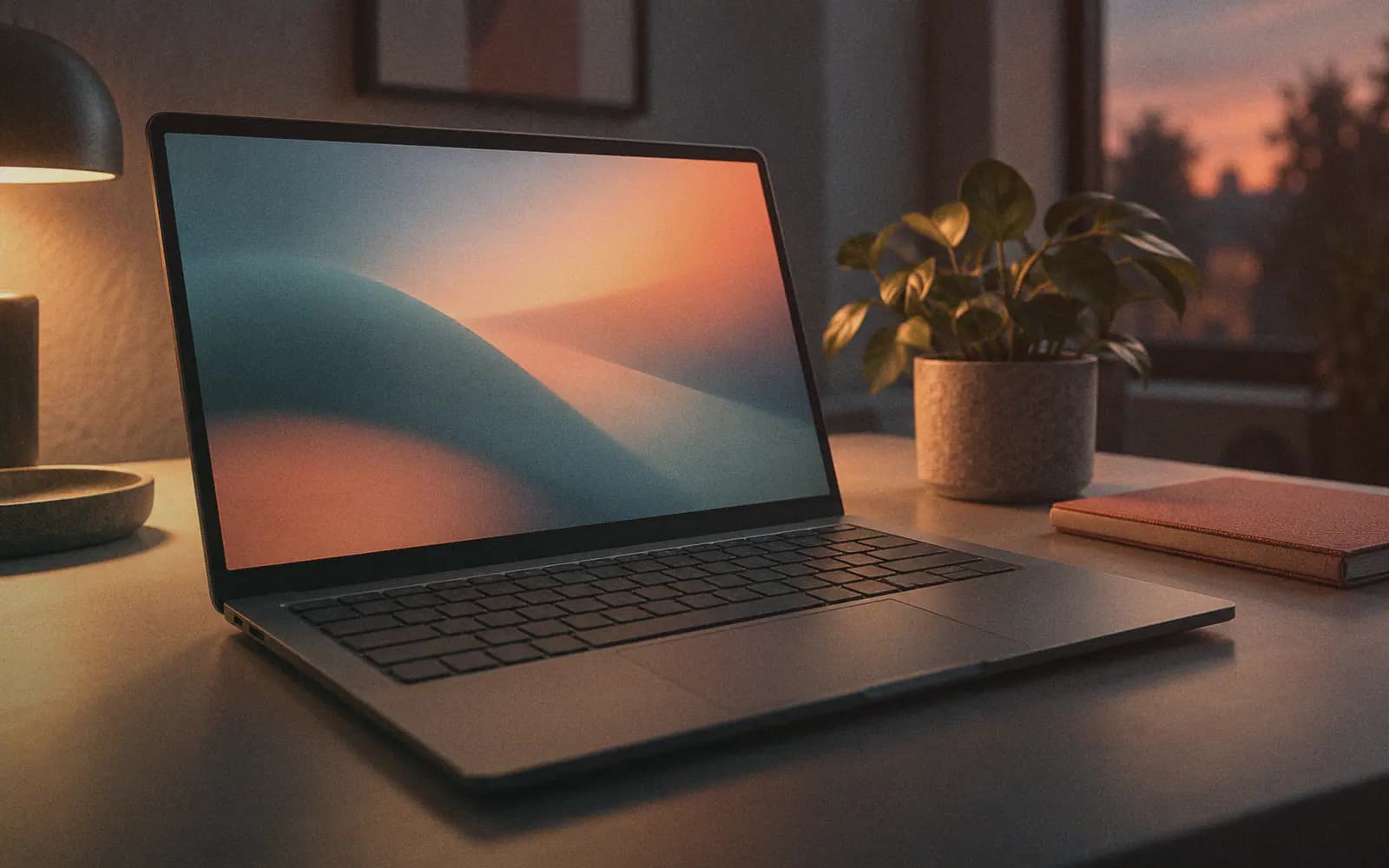
A remote worker shopping around the $700 mark now has a harder call than simply buying Apple’s low-cost MacBook Neo-class machine. According to CNET, the MacBook Neo launched at $599, but its current starting price has moved to around $700, which puts it directly against new Windows challengers. HP’s OmniBook 5 14 is one of the clearest examples: CNET, Engadget, Tom’s Hardware, and The Verge all describe it as a roughly $699–$700 laptop with a 14-inch OLED display, Intel Wildcat Lake-era chips, 8GB of RAM and 256GB of storage at the base level, and an October 2026 availability window. The attraction is obvious on paper: more screen area than the 13-inch Neo, OLED across the line, a light chassis, and HP’s claimed 42-hour local-video battery result. The problem is just as obvious: those battery figures are not real remote-work results, the 300-nit launch OLED panel may be limiting away from controlled indoor lighting, and several stronger configurations arrive later or cost more. So the decision is not “HP beats Apple.” It is whether your work benefits more from Windows plus OLED now, or from waiting for reviews and pricing clarity before replacing a daily work machine.
The short version
If your current laptop still works, the sensible move is to wait for reviews of the HP OmniBook 5 14 rather than pre-decide against the MacBook Neo. The HP machine is priced directly in Neo territory: CNET says the OmniBook 5 starts at $700, while Engadget lists it at $699 and Tom’s Hardware at $699.99. The Verge says the base configuration starts with an Intel Core 5 315 processor, 8GB of RAM, and a 256GB SSD.
The case for waiting is the screen. CNET reports a 14-inch 2K OLED panel at 1920×1200 resolution, while Tom’s Hardware says OLED is included on every model. The Verge also says all configurations include OLED, which gives HP a clean spec-sheet distinction against the MacBook Neo-class competition.

What HP appears to be offering
Across the supplied coverage, the OmniBook 5 14 is positioned as a budget laptop with a few higher-end-looking traits:
- Around $699–$700 starting price, depending on publisher wording.
- 14-inch OLED display on the line.
- Base 8GB RAM and 256GB SSD.
- Intel Core 5 at the low end, with Core 7 options reported by CNET, Engadget, Tom’s Hardware, and The Verge.
- Four color options, described by The Verge and Tom’s Hardware as similar in spirit to the colorful Neo trend.
- Thin and light body: The Verge reports 0.46 inches / 11.7mm and 2.56 pounds; Engadget reports 11.77mm and just over 2.5 pounds.
For remote work, the display and weight are the practical hooks. A 14-inch panel gives more working room than a smaller laptop without moving into heavy-machine territory. The reported weight also keeps it in commuter and café-work range.
The catches matter
The first catch is brightness. CNET flags the 300-nit max brightness as a possible problem on sunny days. Tom’s Hardware also says the two 1920×1200 launch models are rated for 300 nits, which it calls fairly dim for OLED. The Verge describes the base non-touch panel as passable, with 1920×1200 resolution and 300 nits of max brightness.
That does not make the screen bad; it means OLED alone should not settle the decision. If you often work outdoors, next to bright windows, or in changing light, wait for display reviews.
The second catch is the base spec. CNET says 8GB RAM and 256GB storage are standard for a budget computer, but notes those low specs may go further on macOS than on Windows. That is a useful warning for browser-heavy remote workers. If your daily stack is Slack, Notion, Figma tabs, video calls, spreadsheets, and a browser with too many tabs, 8GB is the spec to question first.
The third catch is timing. Tom’s Hardware reports that the 12GB RAM option and 1TB storage option are planned for November 2026, while the 2560×1600 OLED touch panel is planned for March 2027. The Verge similarly says a higher-resolution OLED version is not coming until March 2027, though it lists that version at 400 nits rather than Tom’s Hardware’s 620-nit figure. Either way, the better screen configuration is not part of the immediate October launch story in these sources.
MacBook Neo or HP OmniBook 5?
This is less about a universal winner and more about operating-system fit.
Choose the MacBook Neo-class option if you already live in macOS, care about Apple-device continuity, or want to avoid being an early buyer of a newly announced Windows challenger. CNET says the Neo’s current price has settled around $700, so the price gap described at launch is no longer the whole story.
Wait for the HP OmniBook 5 14 if your work depends on Windows apps, you want a 14-inch OLED laptop near $700, and you can hold off until reviews cover battery life, display brightness, fan noise, and real performance. The Verge explicitly says actual testing is still needed, and HP’s strongest battery figure is not a normal mixed-work benchmark.
Buy neither base model blindly if 8GB RAM and 256GB storage already feel tight. CNET says the OmniBook 5 can be configured up to 16GB RAM and 1TB SSD, but also argues that spending more may push buyers toward a midrange computer instead. That is the right caution: once a budget laptop is upgraded enough, the original $700 appeal can disappear.
Benchdict decision frame
For a remote worker at roughly $700, the OmniBook 5 14 is a waitlist candidate, not an automatic purchase. Its OLED screen and light body make it more interesting than a generic budget Windows laptop, but the 300-nit launch panel, base memory/storage, and local-video-only battery claim keep this from being a clean recommendation.
If you need a laptop this week and already prefer macOS, do not wait just because HP has announced OLED. If you can wait through October reviews and want Windows, the OmniBook 5 14 deserves a closer look before you buy a Neo-class alternative.
The OmniBook 5 14 is interesting because HP is not only chasing Apple’s low-cost MacBook Neo on color and price; it is using OLED as the visible differentiator. That matters for remote workers who spend all day in browsers, docs, dashboards, and video calls, because display quality is one of the few laptop features you feel every hour. But the launch version is not an automatic buy. The base model’s 8GB RAM and 256GB storage are basic by 2026 laptop standards in the supplied reporting, and the first OLED panel is repeatedly described as 1920×1200 with 300 nits. That combination could be fine for indoor desk work, but it weakens the case for people who work near windows, travel often, or keep many apps open. HP’s battery claim is also based on local video playback, not a mixed workday. Our read: wait for independent reviews unless you specifically want an inexpensive Windows OLED laptop and can live with the base limits.
Wait for HP reviews if you want Windows OLED; buy a Neo-class laptop now if macOS fit matters more.
The OmniBook 5 14 looks like HP’s most direct answer to the MacBook Neo-class budget laptop: similar price, colorful design cues, and OLED across the line. But for remote work, the deciding factors are not just OLED and weight. The launch display brightness, base memory and storage, port limits, and untested real-world battery life all matter. Treat it as a short-list device, not a settled winner.
Skip the base model if you work in bright spaces, keep many apps and browser tabs open, need USB-A without adapters, or cannot wait for independent reviews of battery life and performance.
Read next
Follow new articles
Email updates are not live yet, and we are not collecting addresses. To follow new articles, use the RSS feed.