Air Teams Brings JetBrains Agents Into Shared Workflows
A vendor-announced team layer for automations, cloud tasks, and reusable agent environments.
Short answerChoose Air Teams if your JetBrains business team has repeatable agent workflows to standardize.
By JasonPublished Oct 1, 2026Last verified Oct 1, 20265 min read
The question for a small engineering team is not whether another AI coding app sounds useful. It is whether agentic work can move from one developer’s laptop into a repeatable team process without creating more review noise, duplicated setup, or credential risk. JetBrains says Air Teams is meant to solve that team-level problem: shared automations, shared cloud environments, cloud tasks, and project-level controls for roles and credits. For indie builders and remote teams, the practical decision is whether to standardize agent workflows inside JetBrains’ Air ecosystem now, or wait until access, phone support, trigger options, and real-world team patterns are clearer. The product may fit teams that already have recurring development chores such as pull request review, small issue fixes, dependency updates, and documentation maintenance. It is less obviously relevant for solo builders who do not need shared environments, teams outside JetBrains’ business customer base, or organizations that are not ready to let agents open pull requests into production code paths, even with human review.
What JetBrains announced
According to JetBrains Blog, Air Teams is a new team layer for the company’s Air agentic development environment. JetBrains says it is already available to business customers, with plans to expand access to individual customers later.
The product is framed around four pieces: Automations, shared cloud environments, cloud tasks, and projects. The goal is to move agent workflows out of individual laptop setups and into reusable team assets.
What it can automate
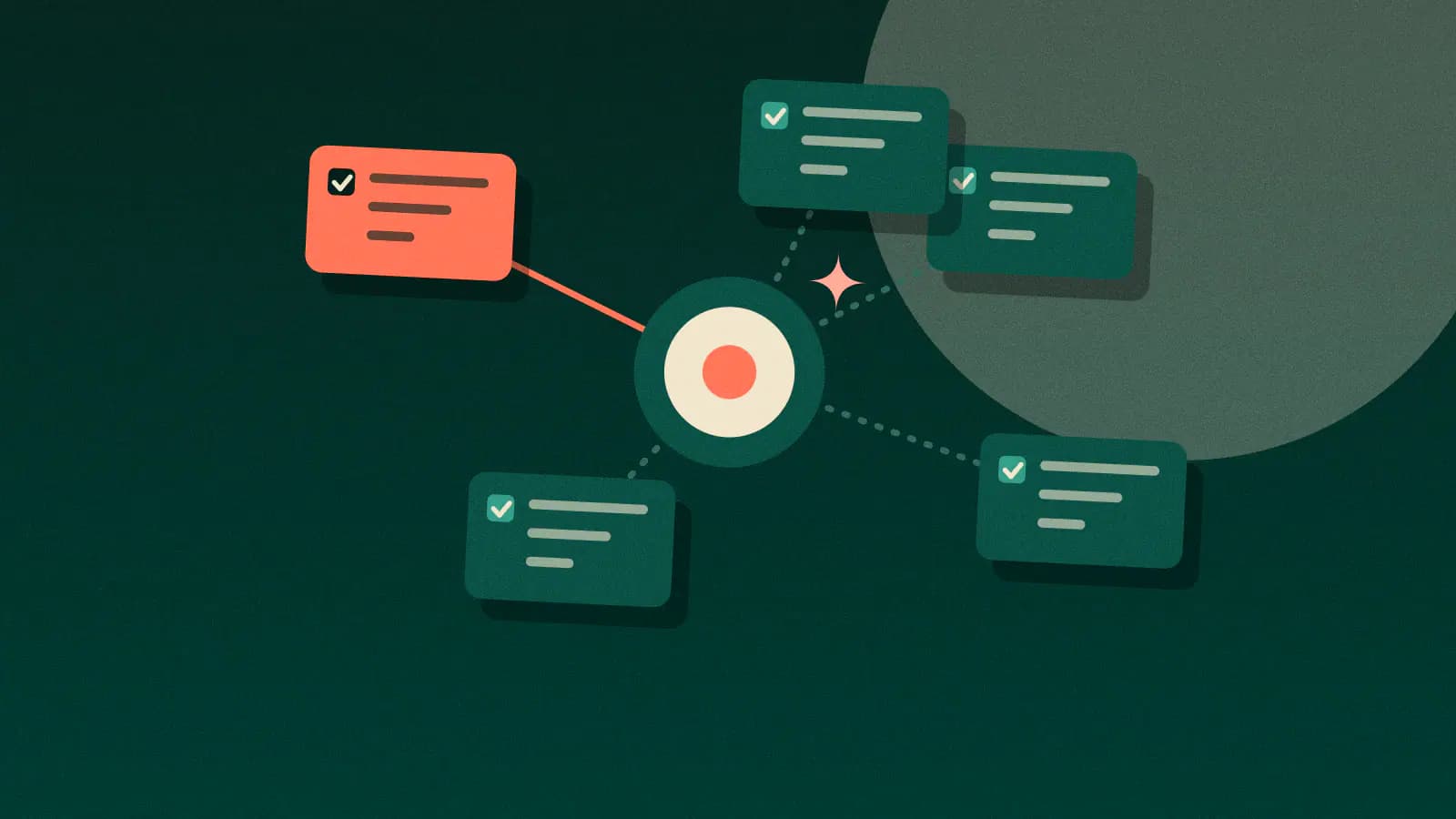
JetBrains Blog describes Automations as cloud-run agent workflows started by an event or schedule rather than a person. The announcement lists recurring use cases such as code reviews, issue fixes, dependency upgrades, and documentation maintenance. JetBrains says Air Teams includes 10 Automation templates, including code review, bug fixes, dependency upgrades, and documentation maintenance.
A typical Automation has four setup parts: instructions, environment, tools, and trigger. JetBrains names Jira, Figma, and Linear as available through connectors, and lists GitHub or Jira events, webhooks, and schedules as trigger options, with more trigger types planned.
Controls JetBrains says are included
JetBrains Blog explicitly acknowledges the risk of agent noise: comments nobody reads and pull requests nobody asked for. Its answer is to keep decisions with the team. Engineers choose what the agent works on, every code change arrives as a pull request, and an engineer decides whether to merge it. JetBrains also says each run preserves the agent’s full conversation and tool calls, so teams can inspect why a result looked wrong.
For dependency updates, JetBrains gives an internal example where the agent runs twice a week, upgrades dependencies, skips instructed exceptions, builds the project, runs tests, opens a pull request, and closes an older unmerged pull request so only one current update PR remains.
Benchdict view
This is most relevant to teams with recurring, structured engineering work and enough process maturity to define instructions, review agent output, and manage secrets carefully. It is less compelling as a general-purpose productivity promise. The announcement does not provide independent measurements of productivity gains, acceptance rates, review quality, or failure modes.
So the decision is conditional: if your team already lives in JetBrains’ ecosystem and has repetitive development workflows, Air Teams is worth evaluating. If you mainly need occasional solo coding help, the shared-team layer may be overhead.
JetBrains is aiming Air Teams at a real bottleneck: useful agent workflows often stay trapped in one developer’s prompts, local setup, and habits. The interesting part is not that an agent can review a pull request or update dependencies; those are now common demo targets. The more practical claim is that teams can define the instructions, environment, tools, and trigger once, then reuse that setup across projects. That would matter for remote teams because onboarding, credentials, build dependencies, and review conventions are usually where agent work breaks down. Still, this is a vendor announcement, not independent evidence of output quality. JetBrains describes controls such as pull-request-based code changes, visible conversations and tool calls, and shared secrets that do not reveal values to teammates. Those are sensible safeguards, but they do not answer how often the agents produce useful changes versus cleanup work. Our read: consider Air Teams if you already use JetBrains business tooling and have repeated, well-scoped engineering chores. Treat broader adoption as an evaluation project, not a default platform shift.
Choose Air Teams if your JetBrains business team has repeatable agent workflows to standardize.
Based on JetBrains’ own announcement, Air Teams appears useful for teams that want to turn recurring agent work into shared, reviewable workflows. The evidence is still vendor-supplied, so treat it as a candidate for structured evaluation rather than a proven productivity upgrade.
Solo developers who only need occasional coding assistance, teams outside JetBrains’ current business access, and organizations without a pull-request review process for agent-generated code.
Read next
Follow new articles
Email updates are not live yet, and we are not collecting addresses. To follow new articles, use the RSS feed.