Samsung Galaxy Tab S12 Ultra: remote-work buying guide
A $1,400 Android tablet makes sense only for a narrow kind of workspace.
Short answerChoose the Tab S12 Ultra only if you need a huge OLED Android workspace, not a full laptop replacement.
By JasonPublished Oct 1, 2026Last verified Oct 1, 20266 min read
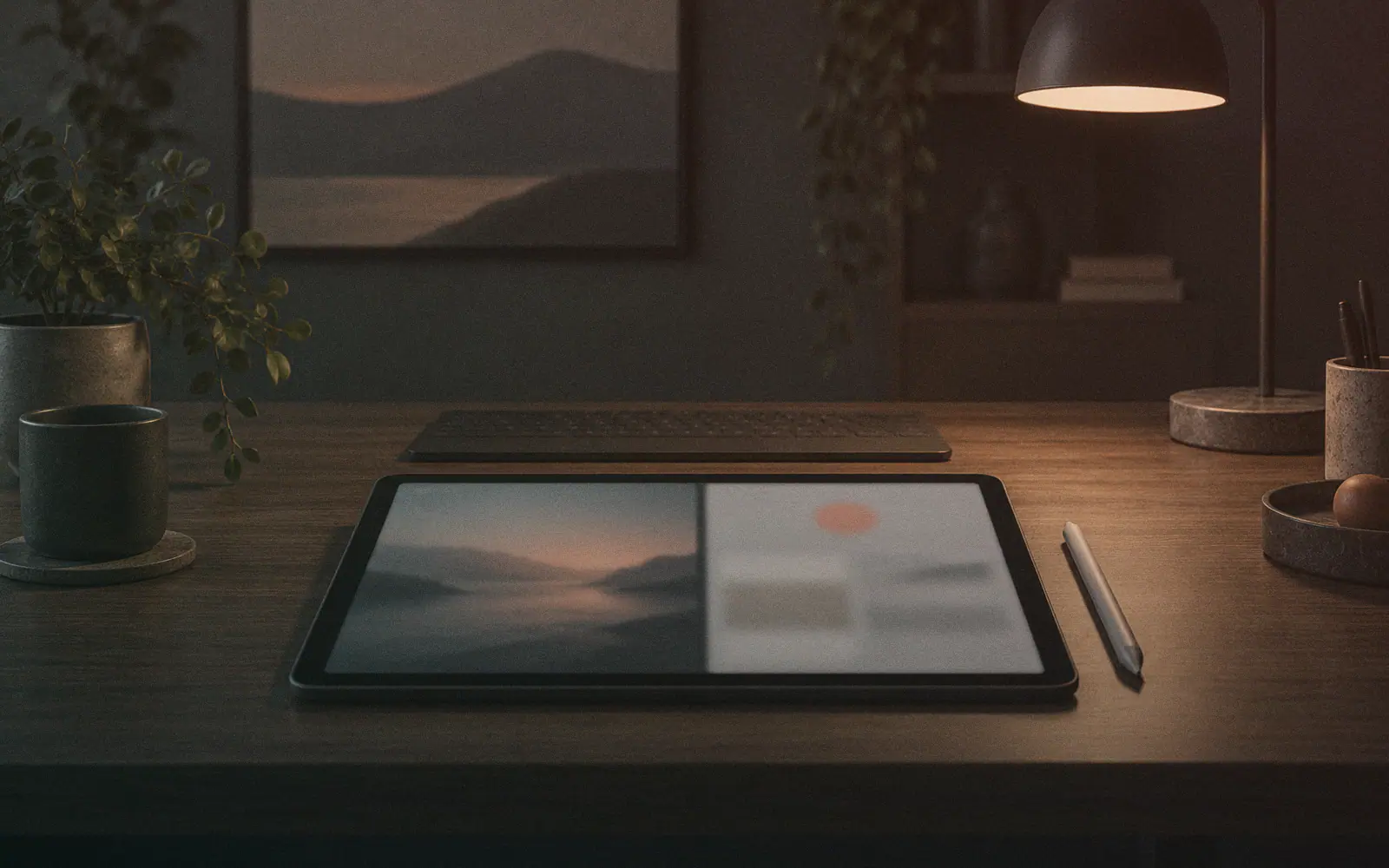
The Galaxy Tab S12 Ultra sits in an awkward buying lane for remote workers: it starts at $1,400, has a 14.6-inch OLED display, includes an S Pen, and can run Samsung DeX for a more desktop-like interface. That sounds close to laptop territory, but both supplied reviews frame the same tension: the hardware is premium, while the work setup still depends on Android, DeX, and paid keyboard accessories. Engadget says the tablet has only one USB-C port and that the keyboard is extra. Tom's Guide says using it seriously for work points you toward Samsung's $399 Galaxy Tab S11 Ultra Pro Keyboard, on top of the tablet's $1,399 price. So the real question is not whether this is a capable Android tablet. The question is whether a remote worker should spend laptop-level money on a large Android slate when the workday may involve external accessories, app limitations, file handling, ports, and desk ergonomics. Based on these sources, the S12 Ultra looks easier to justify as a large OLED Android workspace for people already committed to Samsung and Android than as a general laptop or iPad Pro replacement.
What the sources agree on
Engadget and Tom's Guide both describe the Galaxy Tab S12 Ultra as Samsung's oversized premium Android tablet, starting around $1,400. The core appeal is consistent across both: a 14.6-inch OLED display, a thin and light chassis, strong tablet performance, long battery life, and an included stylus.
Engadget lists a 5.1mm body, 692g weight, 1,600-nit peak brightness, 120Hz variable refresh rate, MediaTek Dimensity 9500 chip, 12GB of RAM, and 256GB of storage. Tom's Guide lists a 14.6-inch AMOLED panel at 2960 x 1848, the same Dimensity 9500 chip, 12GB RAM, 256GB storage, Wi-Fi 7, Bluetooth 5.4, dimensions of 12.8 x 8.2 x 0.2 inches, and 1.6 pounds.
For media, reading, sketching, and side-by-side app use, the sources make a coherent case: this is a large, high-end Android screen with enough performance for demanding tablet use.
The remote-work catch
The problem is the word "replacement." Engadget says DeX is central to making the tablet feel closer to a laptop, with a taskbar and windowed apps, but also says the device has only a single USB-C port and a more limited OS than traditional PCs. Tom's Guide is more direct: it says the Tab S12 Ultra is still not a true laptop replacement, and that DeX is not the Windows 11 equivalent some buyers may expect.
That matters for remote workers. A big OLED tablet can be excellent for documents, browser-based dashboards, note-taking, calls, media review, and travel. But if your work depends on desktop-class apps, multiple peripherals, external storage, a mature windowing system, or laptop-style input all day, the S12 Ultra's price starts to look less forgiving.
The keyboard cost changes the equation
The stylus is included, which helps if your work involves annotation, diagrams, sketches, or handwritten notes. But the keyboard is not included. Engadget says the full laptop-replacement experience requires buying one of Samsung's keyboards, and it distinguishes the slimmer keyboard case from the Pro Keyboard with touchpad and kickstand. Tom's Guide says serious work points to the $399 Galaxy Tab S11 Ultra Pro Keyboard, on top of the $1,399 tablet.
That means the buying decision should be made as a work setup, not as a tablet alone. If you need the keyboard, the relevant cost is tablet plus keyboard. If you also need dongles because there is only one USB-C port, the simplicity argument weakens further.
Battery and portability are real strengths
Engadget reports 19 hours and 39 minutes in a local video rundown test and says the tablet still had more than 40 percent remaining after a full day involving movies, games, benchmarks, and photo editing. Tom's Guide says battery life is long enough to get through most of the day and describes the design as thin, light, and travel-friendly, while also noting the large tablet can be cumbersome to hold for long periods.
For remote workers who move between couch, desk, train, cafe, and meeting room, that combination is meaningful: big screen, low weight, stylus, and strong battery life. But it is more convincing as a portable canvas than as a workstation replacement.
Comparison frame: iPad Pro, laptop, or cheaper Android tablet
The supplied sources do not give enough pricing detail for a full iPad Pro or cheaper-Android-tablet cost table. Tom's Guide includes display comparison data against an iPad Pro M5 and OnePlus Pad 3, but not enough buying context to make a direct value verdict across all three.
So the decision frame is narrower:
- Choose the Galaxy Tab S12 Ultra if you specifically want a huge OLED Android tablet with S Pen support and Samsung DeX.
- Choose a laptop if your remote work depends on desktop apps, ports, file handling, or all-day keyboard-first productivity.
- Consider a cheaper Android tablet if your main uses are media, reading, browsing, and casual notes rather than DeX-style multitasking.
- Consider an iPad Pro only after comparing the apps you actually use, because these sources do not provide enough iPad pricing or workflow detail for a sourced winner.
Benchdict bottom line
The S12 Ultra appears to be a premium Android tablet with unusually strong hardware, but the remote-work value case is conditional. The more your job looks like browser tabs, Android apps, annotation, and portable media review, the more the device makes sense. The more your job looks like a normal laptop day, the more the $1,400 starting price and keyboard add-on become hard to ignore.
The Galaxy Tab S12 Ultra reads less like a universal remote-work answer and more like a luxury second computer for a specific workflow. The case for it is clearest if your work already lives in Android apps, browser tabs, video calls, note-taking, drawing, media review, or Samsung's ecosystem. In that setup, the included S Pen, large OLED panel, light chassis, and DeX mode all matter. But the weak point is not raw tablet quality; it is total work cost and replacement logic. A $1,400 starting price becomes harder to defend once the keyboard enters the picture, especially when both Engadget and Tom's Guide point out laptop-replacement caveats. Engadget emphasizes the single USB-C port and more limited OS compared with laptops. Tom's Guide says DeX still is not a Windows 11 equivalent and points to a $399 keyboard for serious work. Our read: do not buy this because it is the "apex" Android tablet. Buy it only if the large OLED canvas and Android/Samsung workflow are the reason, not a compromise you hope will disappear.
Choose the Tab S12 Ultra only if you need a huge OLED Android workspace, not a full laptop replacement.
Based on Engadget and Tom's Guide, the Galaxy Tab S12 Ultra is easier to defend as a large premium Android workspace than as a laptop substitute. Its $1,400 starting price, extra keyboard cost, one-port design, and DeX limitations make the remote-work verdict conditional rather than broadly worth-it.
Skip it if you expect a normal laptop replacement, dislike accessory costs, need several ports, or do not specifically want a very large Android OLED tablet.
Read next
Follow new articles
Email updates are not live yet, and we are not collecting addresses. To follow new articles, use the RSS feed.